At Sea events
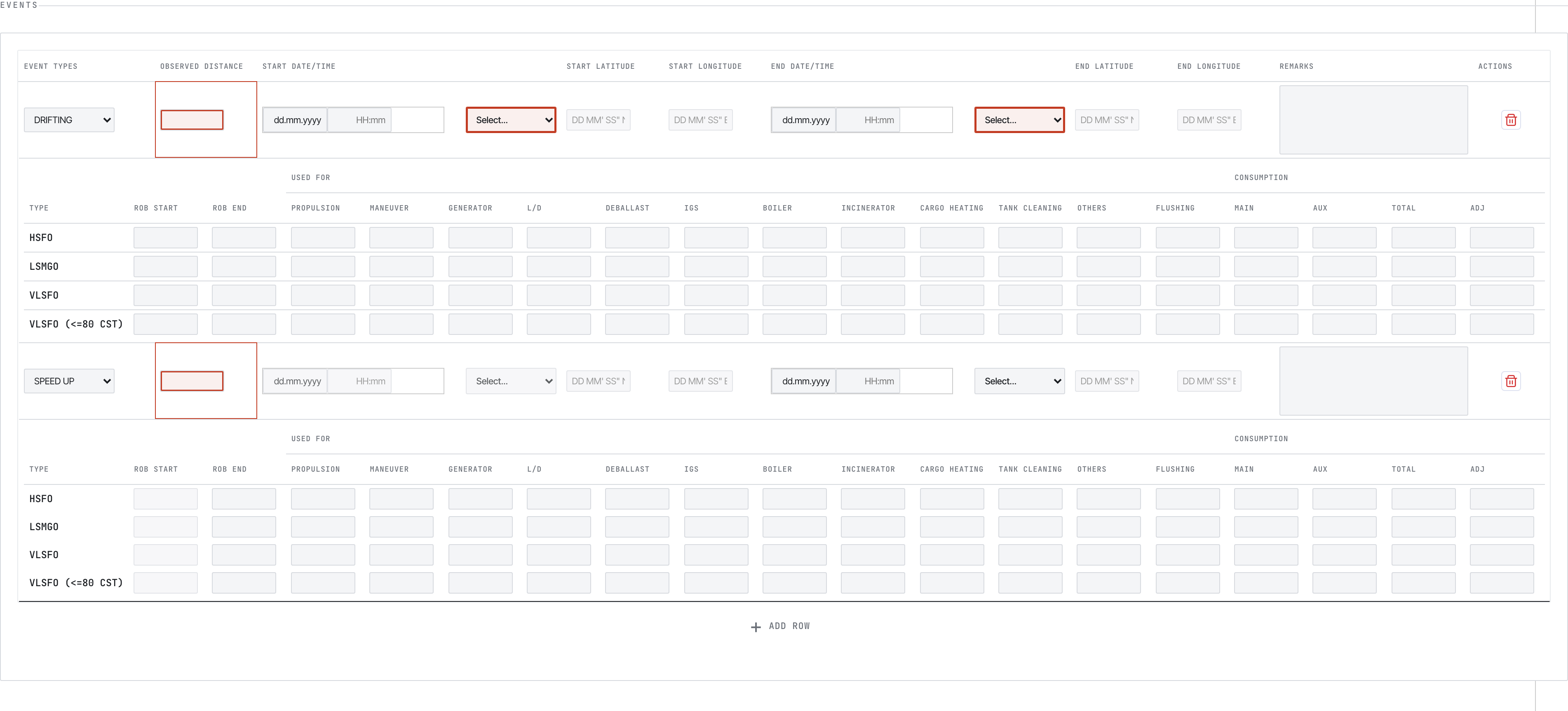
Drifting, weather, breakdown, restricted area, etc. Each event has its own per-fuel consumption breakdown.
このコンテンツはまだ日本語訳がありません。
Each tab has a slightly different field set. This page covers the five visible reports. The full crew-facing field-by-field reference lives in 01-Metaweave-Forms-Guidelines.md.
The most common report. Sent every day at noon, At Sea or In Port. A Noon is not required only if an Arrival or Departure falls exactly at noon local time on that date.

Vessel block — IMO, name, code. Verify before filling anything else.
If the vessel name or IMO is wrong, stop and ask the office for a fresh template — these come baked in via the Settings export step.
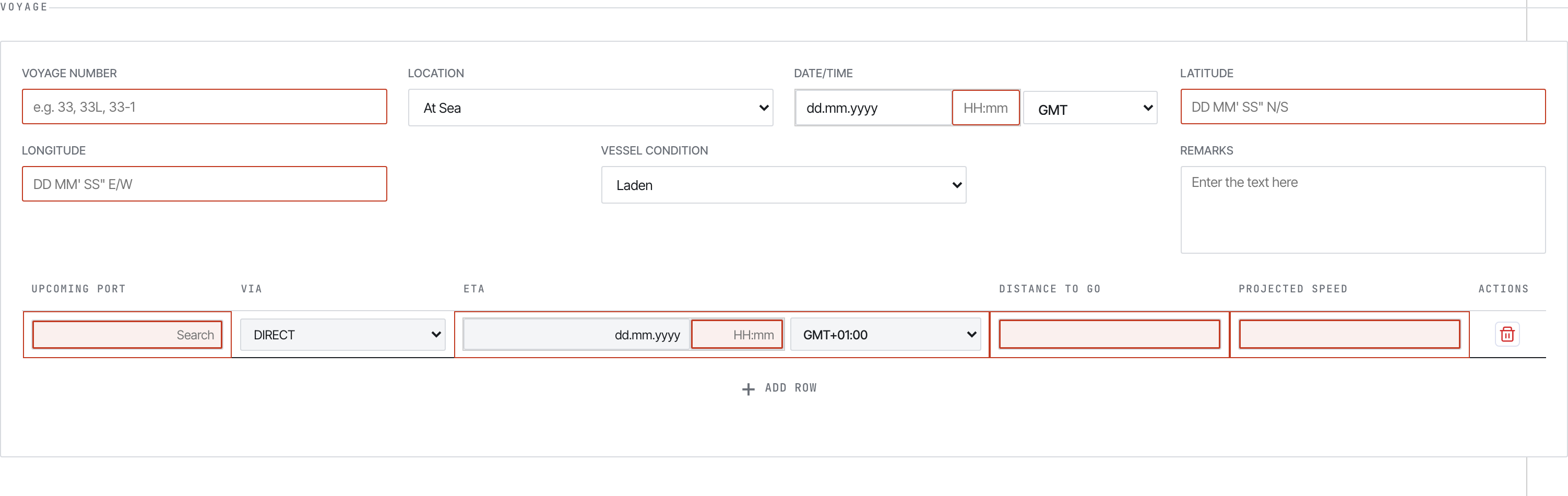
Voyage section. Mandatory fields show a blue left border.
Key fields:
33, 33L, 33-1)In Port or At Sea. Several downstream sections appear/disappear based on this.DD MM' SS" N/S and DD MM' SS" E/W. Auto-formats on tab-outBallast / Laden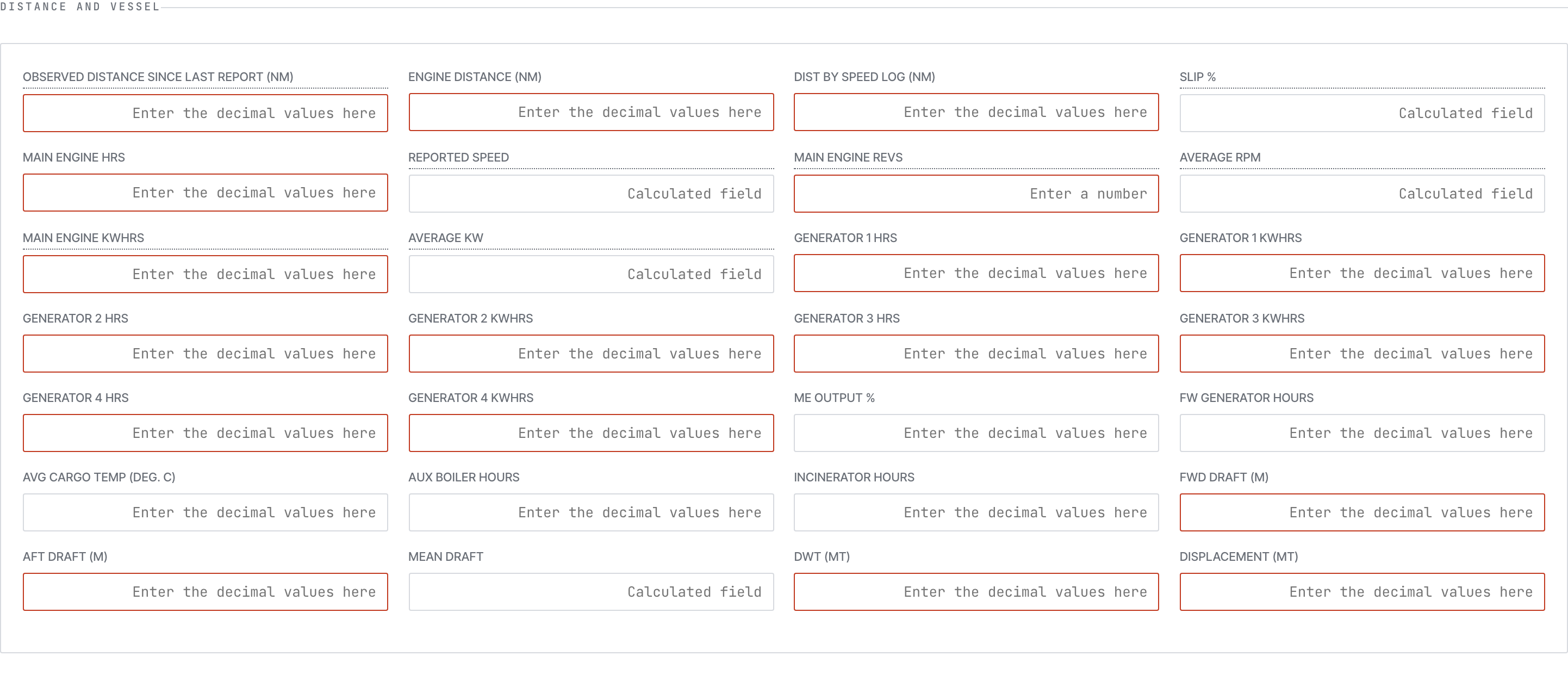
Distance and engine fields. Read-only fields show on grey backgrounds.
You type:
The form auto-calculates: Slip %, Reported Speed, Average RPM, Average KW, Generator KWhrs.
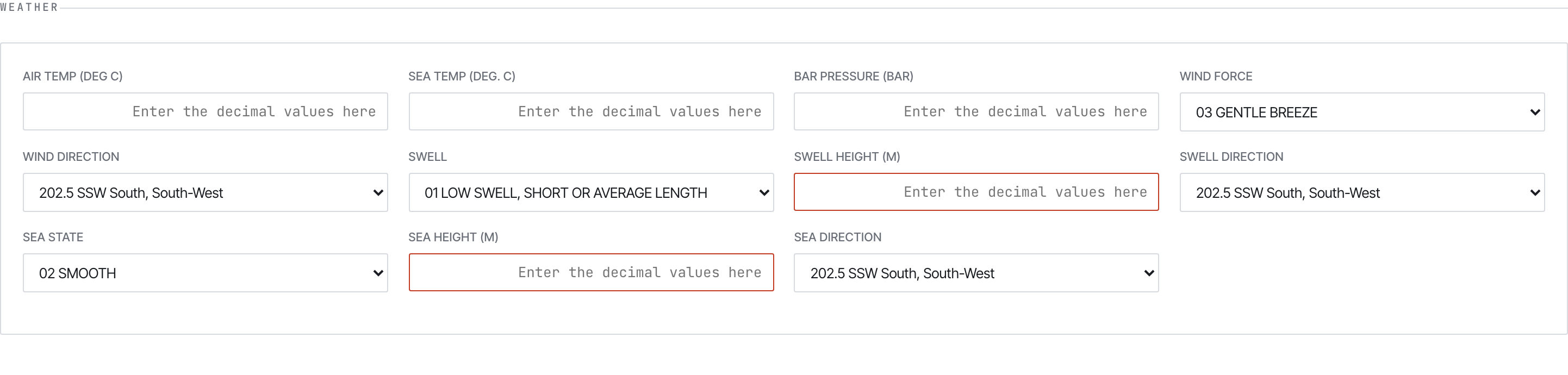
Weather block — wind force/direction, sea state, swell, visibility, temperatures, pressure.
The Events block changes shape based on whether the vessel is At Sea or In Port.
At Sea events
Drifting, weather, breakdown, restricted area, etc. Each event has its own per-fuel consumption breakdown.
In Port events
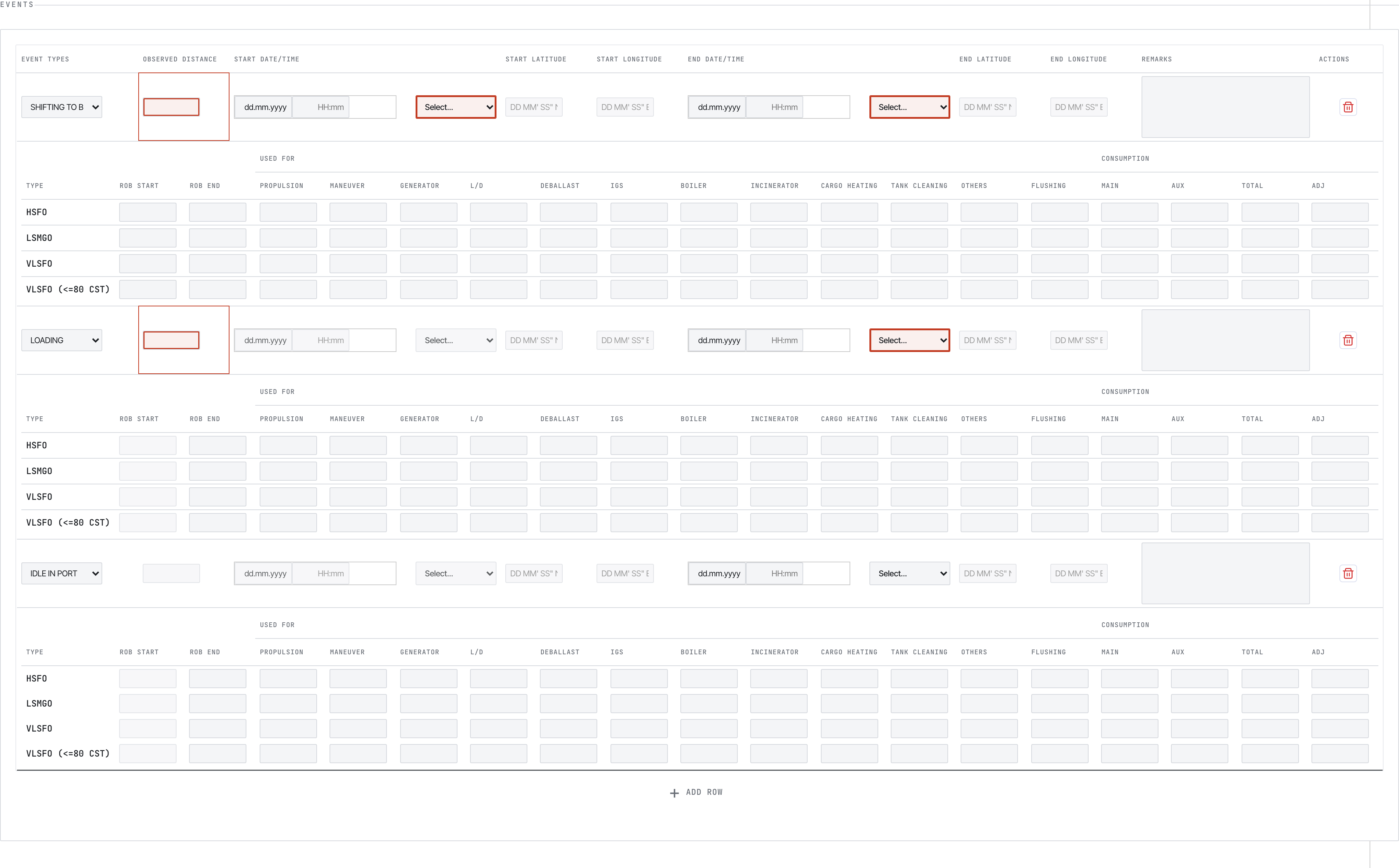
Loading, discharging, idle, bunkering, awaiting berth. Match each event to its fuel use.
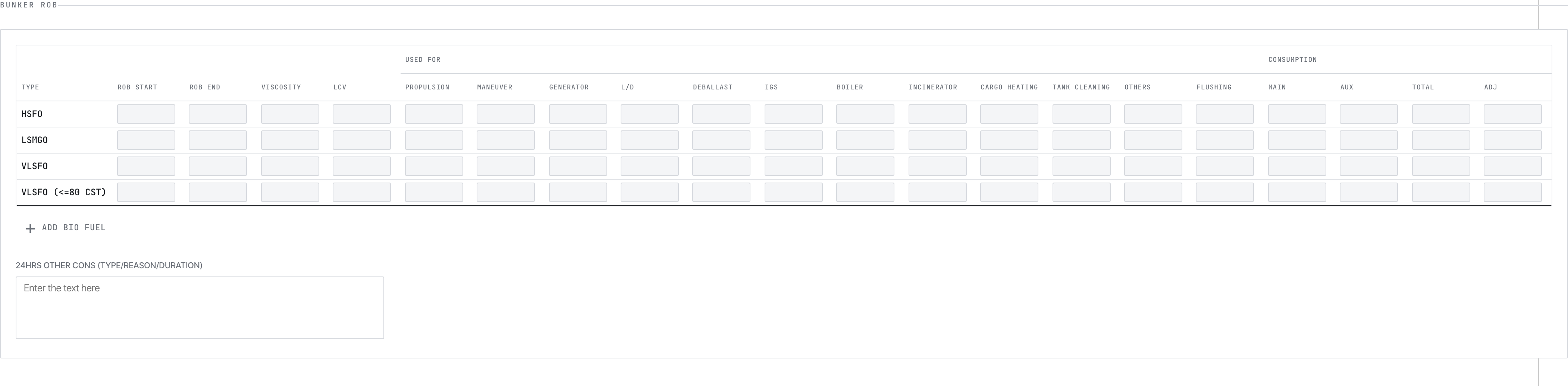
Fuel ROB summary — one row per fuel type.
Per fuel type: ROB start (auto from previous report), ROB end (you type), and the 12 consumption categories: propulsion, manoeuvre, generator, load/discharge, deballast, IGS, boiler, incinerator, cargo heating, tank cleaning, others, flushing.
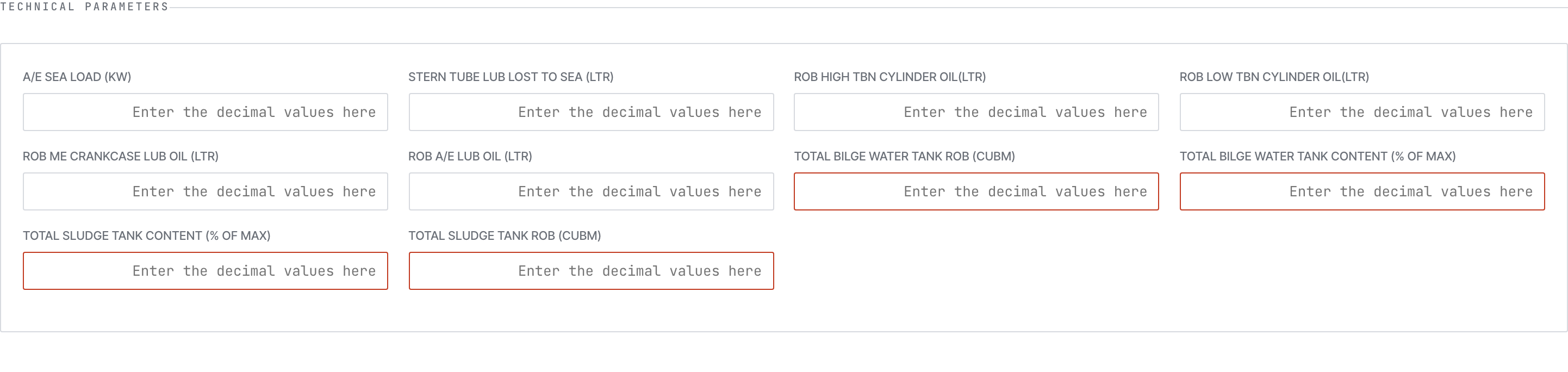
Technical Parameters
Scrubber

FOWE System

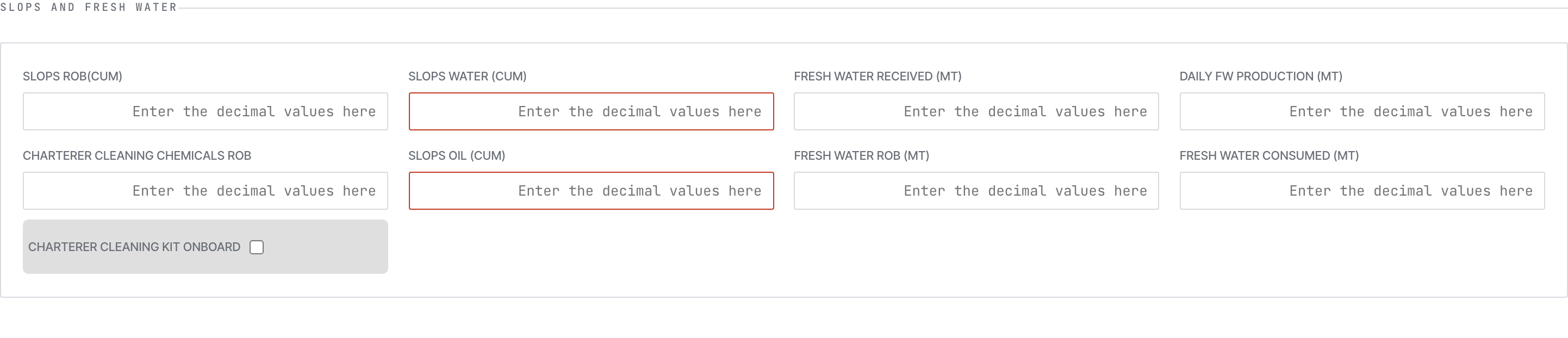
Slops & Fresh Water
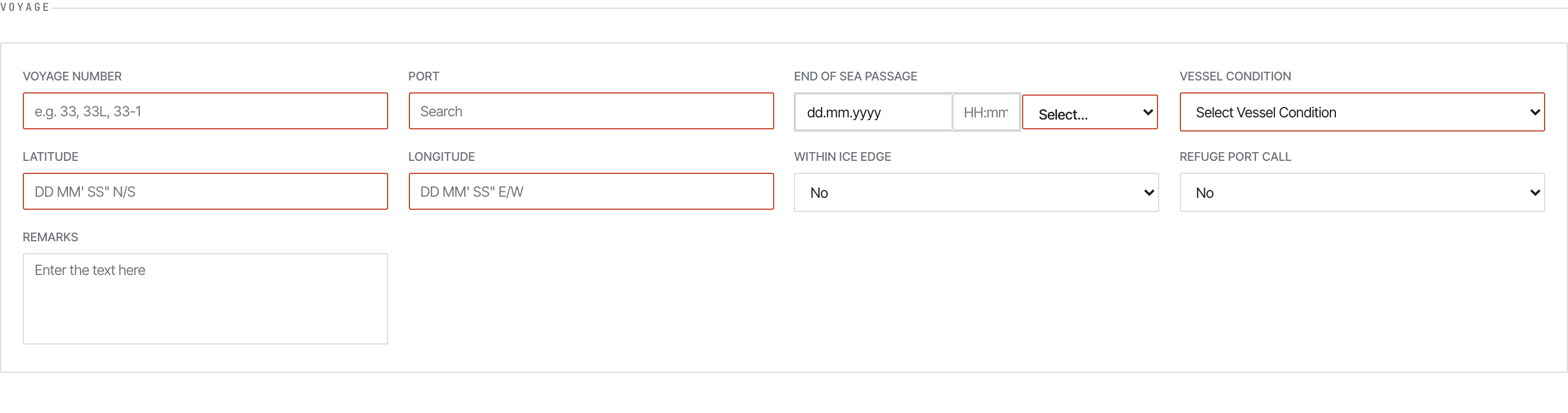
Arrival voyage section — fewer event types, EOSP-flavoured.
Same shape as Noon, sent at End of Sea Passage (EOSP). Differences:
At Sea (you record EOSP, not yet in port)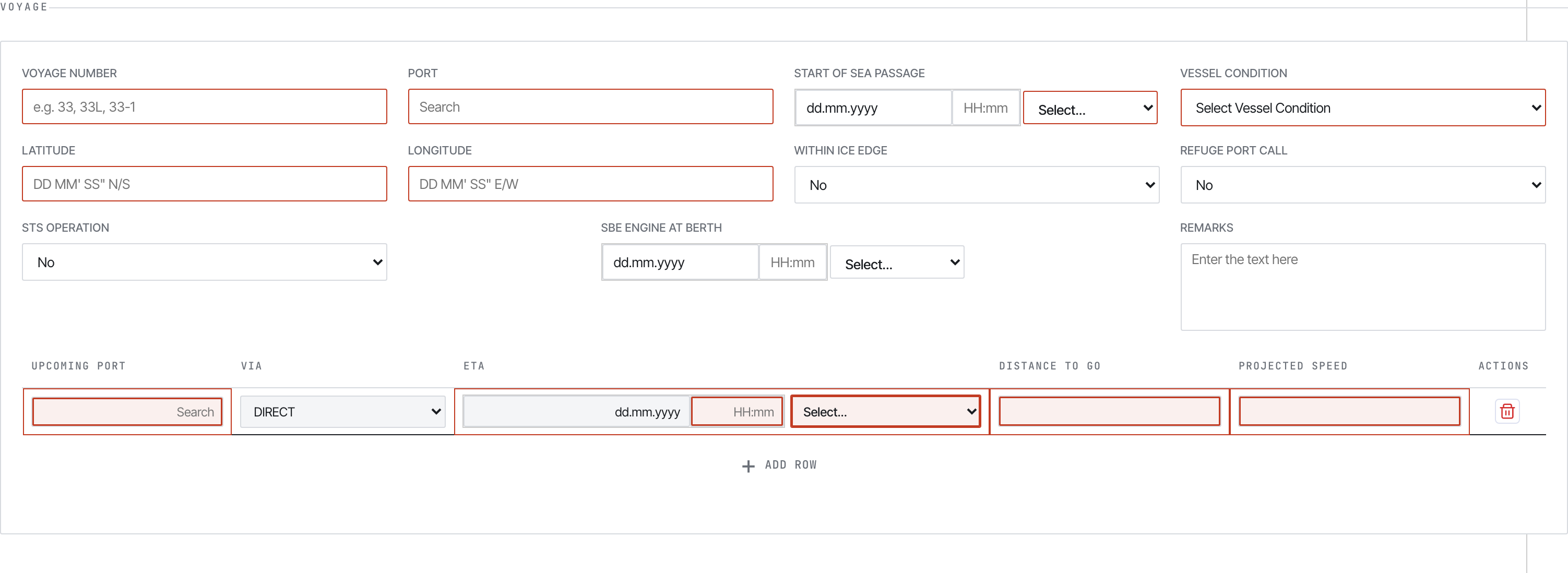
Departure voyage section.
Sent at Commencement of Sea Passage (COSP). Same shape as Arrival but with an extra Berthing Details sub-section:

Berthing details — terminal, first-line-ashore, all-fast, clear-berth, tugs.
Capture: terminal name, first line ashore time, all-fast time, clear-berth time, tugs in/out.
A specialised report for bunker lifts — separate from the consumption you log in Noon.
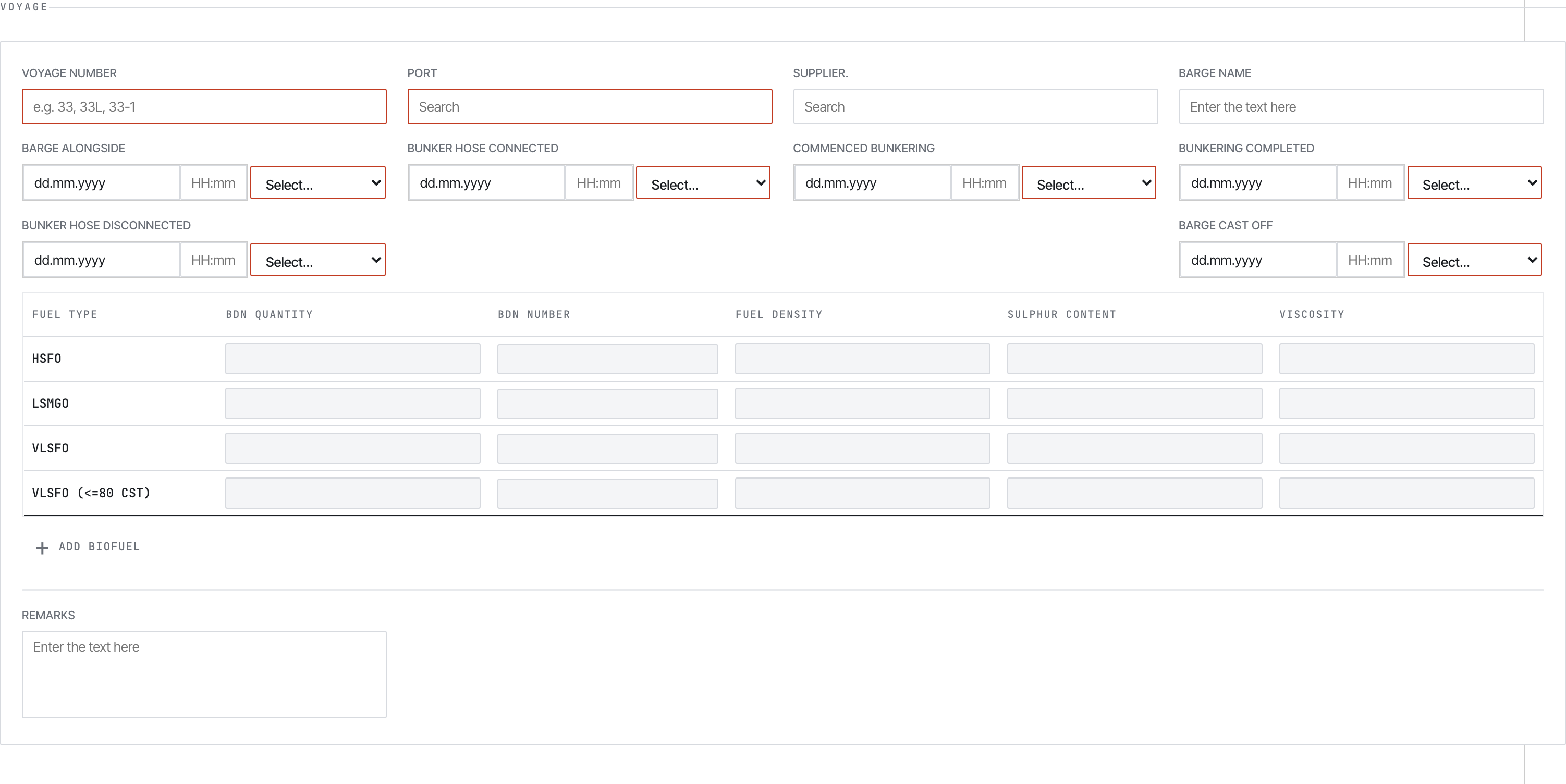
Bunker Report voyage section.
The core block is the BDN table — one row per fuel grade lifted:

BDN table — supplier, BDN number, fuel grade, quantity, density, sulphur, viscosity, LCV.
For biofuel blends, two extra dialogs:
Bio Fuel dialog
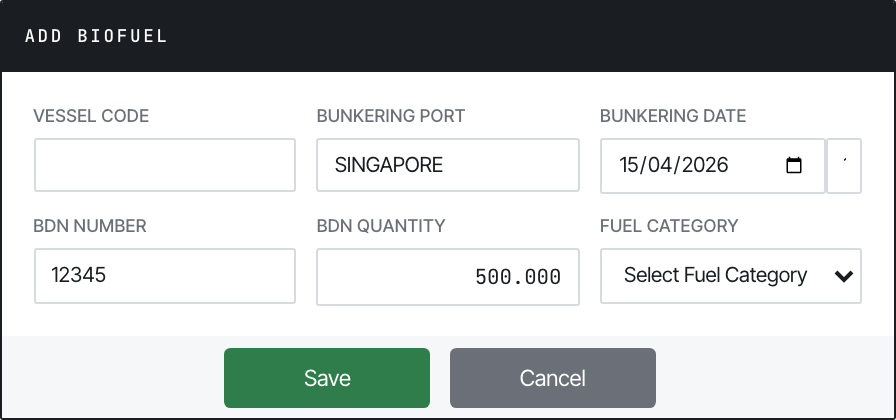
Per-feedstock: feedstock name, ISCC certificate, GHG intensity, sustainability tag.
Blend Component dialog
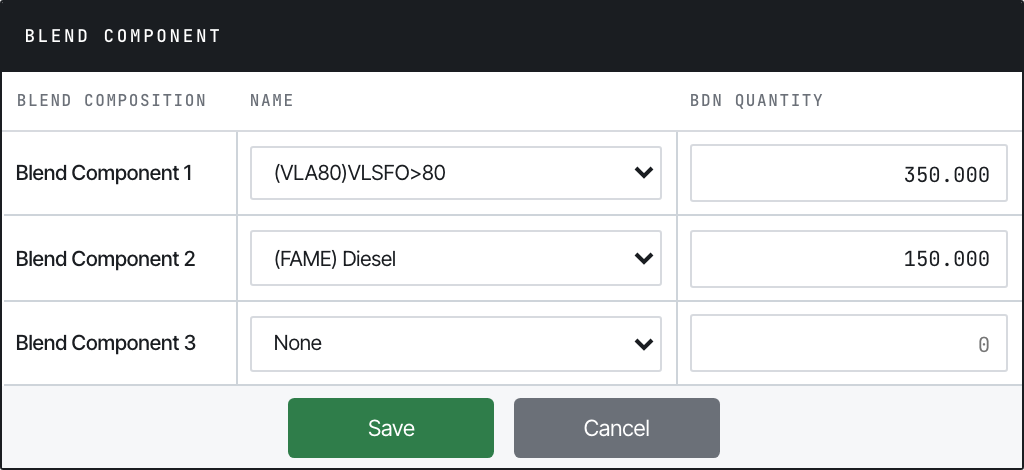
Per-component fossil fuel: percentage, density, sulphur.
Plus barge timestamps: barge alongside, hose connected, commenced bunkering, bunkering completed, hose disconnected, barge cast off.
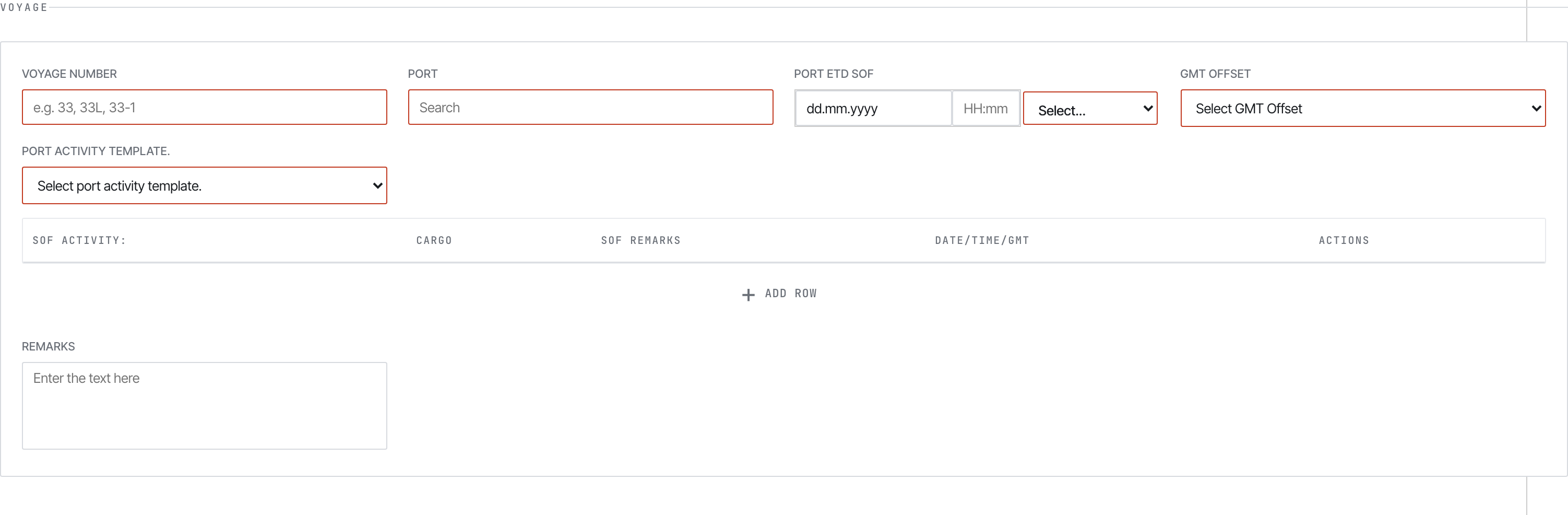
SOF voyage section.
After cargo ops at one port. The unique block is the Port Activity table — one row per activity (anchor, pilot on board, NOR tendered, all fast, hoses connected, commenced cargo, completed cargo, hoses disconnected, departure):

SOF port activity table.
Plus a Cargo Details table with B/L number, gross/net by ship and shore figures.
01-Metaweave-Forms-Guidelines.md is the field-by-field crew reference